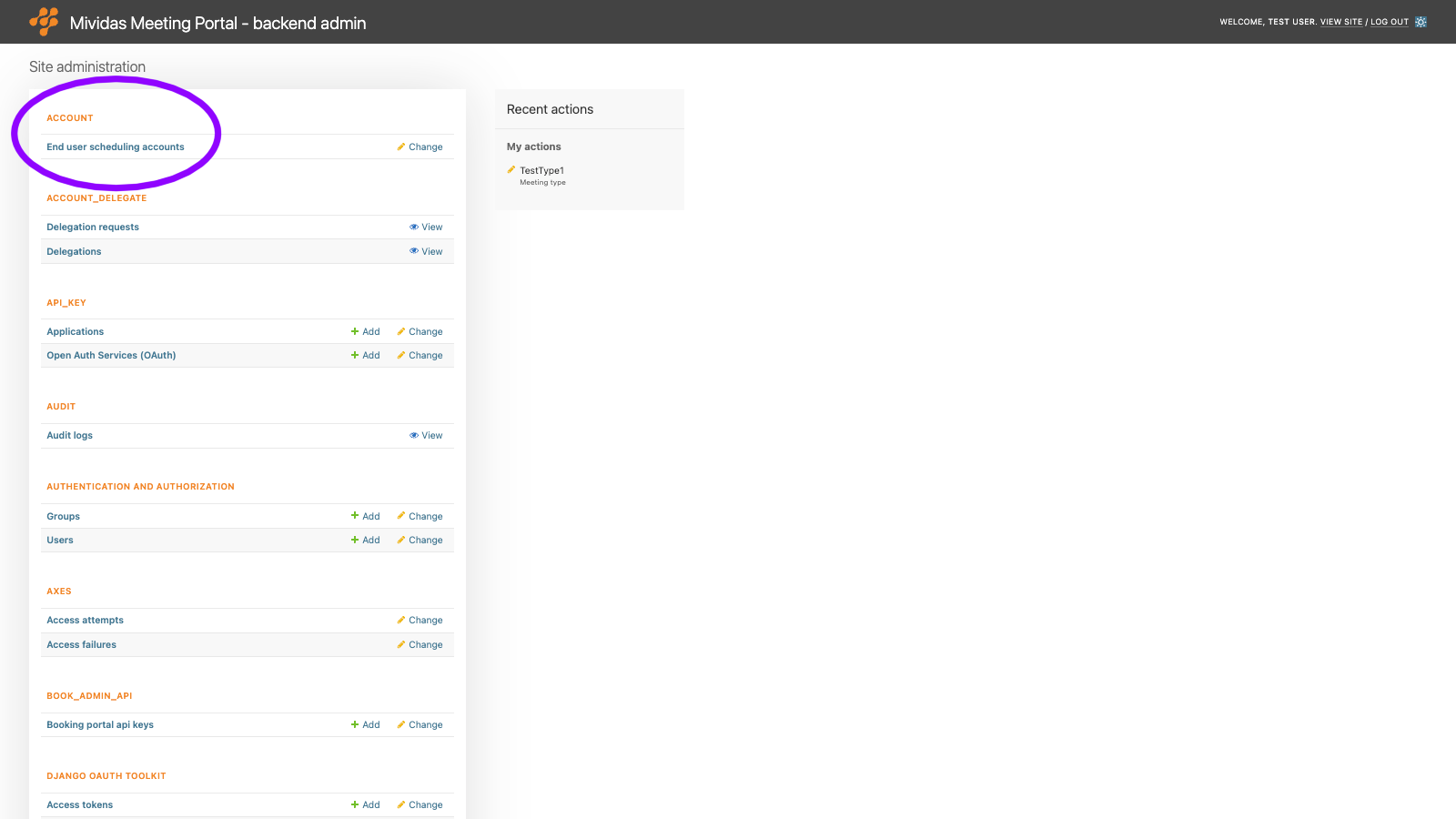
Warning: Changes made here affect low-level platform behavior and can disrupt service if misconfigured. Only make changes if you understand their impact, and always use the standard Meeting Portal interface when the same setting is available there.
An end user scheduling account is automatically created the first time a user signs in to the Mividas Meeting Portal. This works the same for LDAP, SAML, and local users. The account holds the user’s scheduling identity: login name, display name, e-mail address, and personal preferences. Every meeting scheduled in the portal is connected to the organizer’s account.
Note: End user scheduling accounts are not the same as backend users. Sign-in, admin levels, and permissions are managed under AUTHENTICATION AND AUTHORIZATION › Users. Accounts can’t be manually added in the backend admin.
List view

| Column | Description |
|---|---|
| End user scheduling account | The user’s display name, or the login name if no display name is available. |
| User login | The login name that identifies the account, in e-mail format. |
| E-mail address | The e-mail address used for invitations and notifications. |
| TS last login | When the user last signed in. |
| TS first login | When the user first signed in, which is when the account was created. |
Edit an account
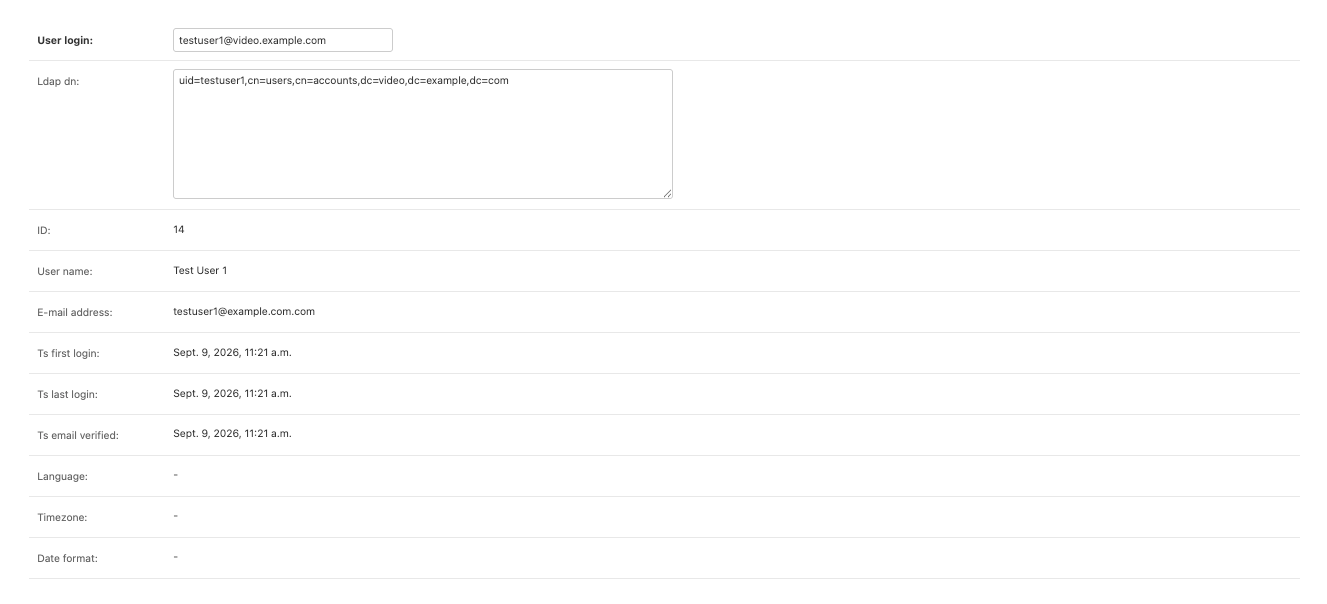
Click an account to open it. Most fields are read-only. They’re updated when the user signs in or changes their settings in the portal. Only User login and Ldap dn can be changed.
| Field | Description |
|---|---|
| User login | The login name of the account in e-mail format, e.g. [email protected]. |
| Ldap dn | The distinguished name of the user in the LDAP directory, e.g. CN=Sven Svensson,OU=Users,DC=example,DC=com. Must be a valid LDAP DN. Empty for users that are not in LDAP. |
| ID | Internal ID of the account (read-only). |
| User name | The user’s display name (read-only). |
| E-mail address | The user’s e-mail address (read-only). |
| Ts first login | When the account was created (read-only). |
| Ts last login | When the user last signed in (read-only). |
| Ts email verified | When the e-mail address was verified, for example, by a trusted identity provider. If several accounts have the same e-mail address, an account with a verified address is preferred (read-only). |
| Language | The interface language the user has selected (read-only). |
| Timezone | The personal time zone the user has selected for times and dates in the portal. If empty, the installation’s default time zone is used (read-only). |
Delete accounts
Warning: Deleting an account permanently removes all meetings, invitations, and delegations associated with it from the Mividas Meeting Portal. Meetings are not canceled in Mividas Core, and no cancellation notifications are sent to participants. If you need to, cancel the meetings in the portal first. A new, empty account is created if the user signs in again.
To delete an account, open it and click Delete. To delete several at once, select them in the list and use the Delete selected end user scheduling accounts action.