| Page actions | |
|---|---|
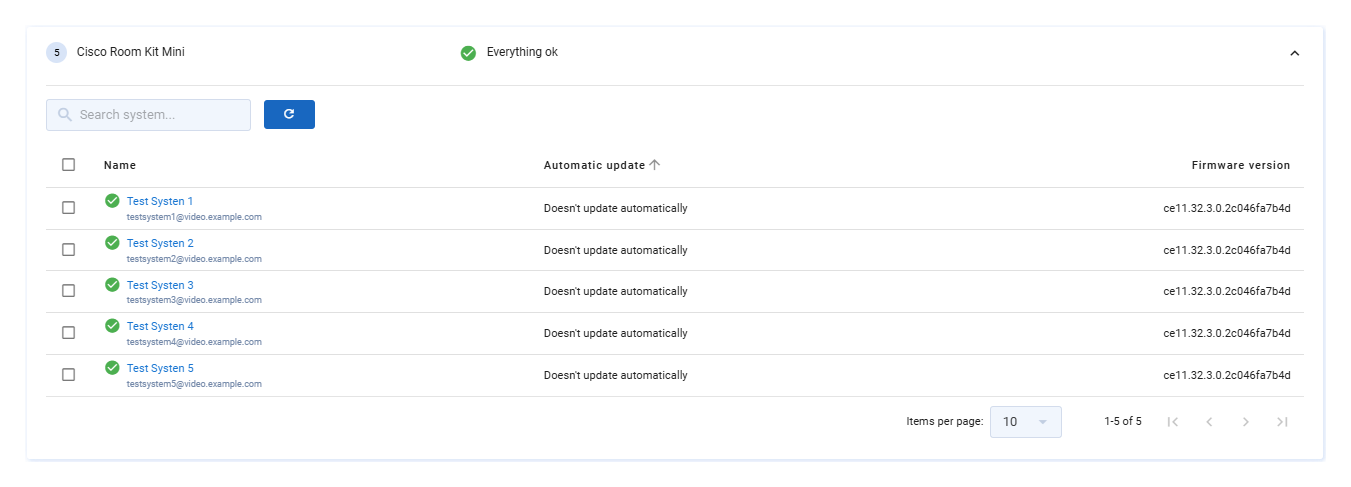
| Upload firmware. | |
| Update (
) – Allows you to manually update the current page. Documentation ( ) – Takes you to the relevant documentation. |
| Option | Description |
|---|---|
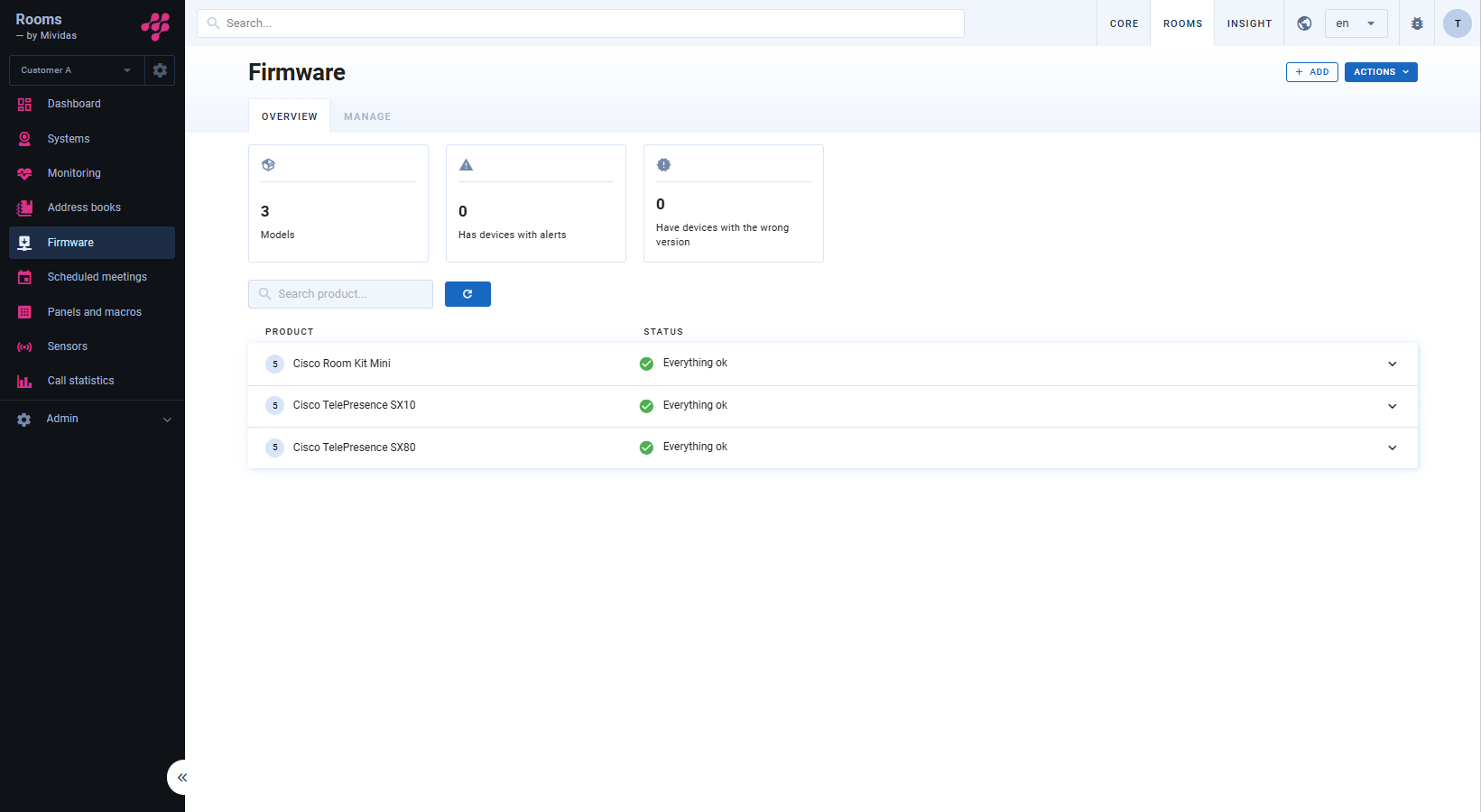
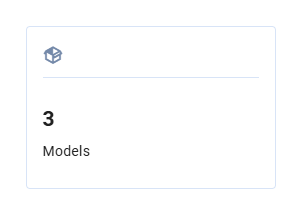 | Displays the total number of device models available in your system. |
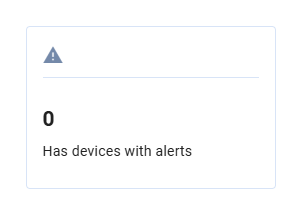 | Displays the total number of devices that has alerts. |
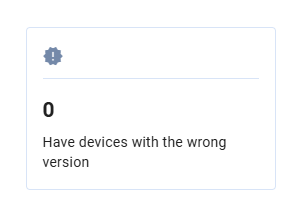 | Displays the total number of devices that currently has the wrong version installed and probably needs to be upgraded. |
 | Allows you to search for a specific product. |
| Manually reloads the page. |