Warning: Changes made here affect low-level platform behavior and can disrupt service if misconfigured. Only make changes if you understand their impact, and always use the regular Mividas Meeting Portal interface when the same setting is available there.
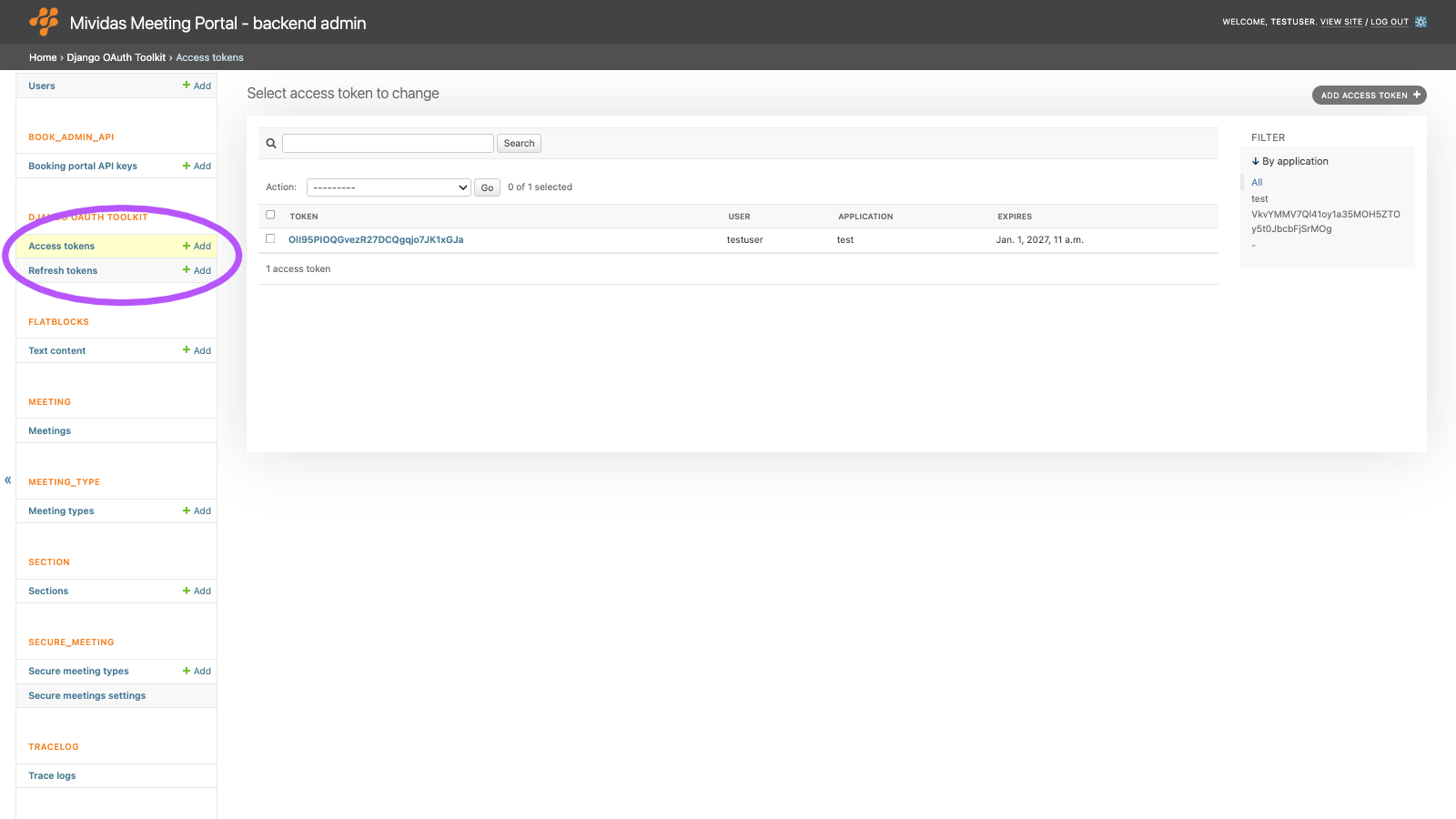
View and revoke the OAuth 2.0 refresh tokens that have been issued for the applications under API_KEY › Applications. A client uses a refresh token to get a new access token when the old one has expired, without signing in again.
Note: Refresh tokens are shown in clear text. Anyone who can open this page can use the tokens to get new access tokens. Only give superuser access to people who need it.
Refresh tokens are created together with access tokens by the OAuth token endpoint or by Generate OAuth2 Tokens on a user’s page. Don’t add refresh tokens manually.
List view

| Column | Description |
|---|---|
| Token | The refresh token. |
| User | The user the token was issued for. |
| Application | The OAuth application the token belongs to. |
Edit a refresh token

| Field | Description |
|---|---|
| User | Required. The user for whom the token is issued. Enter the user’s ID, or click the magnifying glass to look up a user. |
| Token | Required. The refresh token value. |
| Application | Required. The OAuth application the token belongs to. |
| Access token | The access token that is issued along with this refresh token. |
| Revoked | When the refresh token was revoked. A revoked refresh token can’t be used to get new access tokens. The form requires a value here, so saving the form always revokes the token. |
Revoke refresh tokens
To revoke a refresh token, do one of the following:
- Open the token, set Revoked to the current date and time, and click Save. The token is kept but can’t be used anymore.
- Open the token and click Delete, or select tokens in the list and use the Delete selected refresh tokens action. The tokens are removed permanently.
Revoking a refresh token doesn’t affect an access token that has already been issued. Delete the access token under DJANGO OAUTH TOOLKIT › Access tokens to revoke it immediately.